
Song analysis
Find a song's key and BPM from audio
Add a song to Sattari Stem Separator and run separation. Its analysis estimates the original song's key and BPM, then analyzes the selected stems. Treat the results as listening clues, not a verified chord chart or transcription.
Analyze a song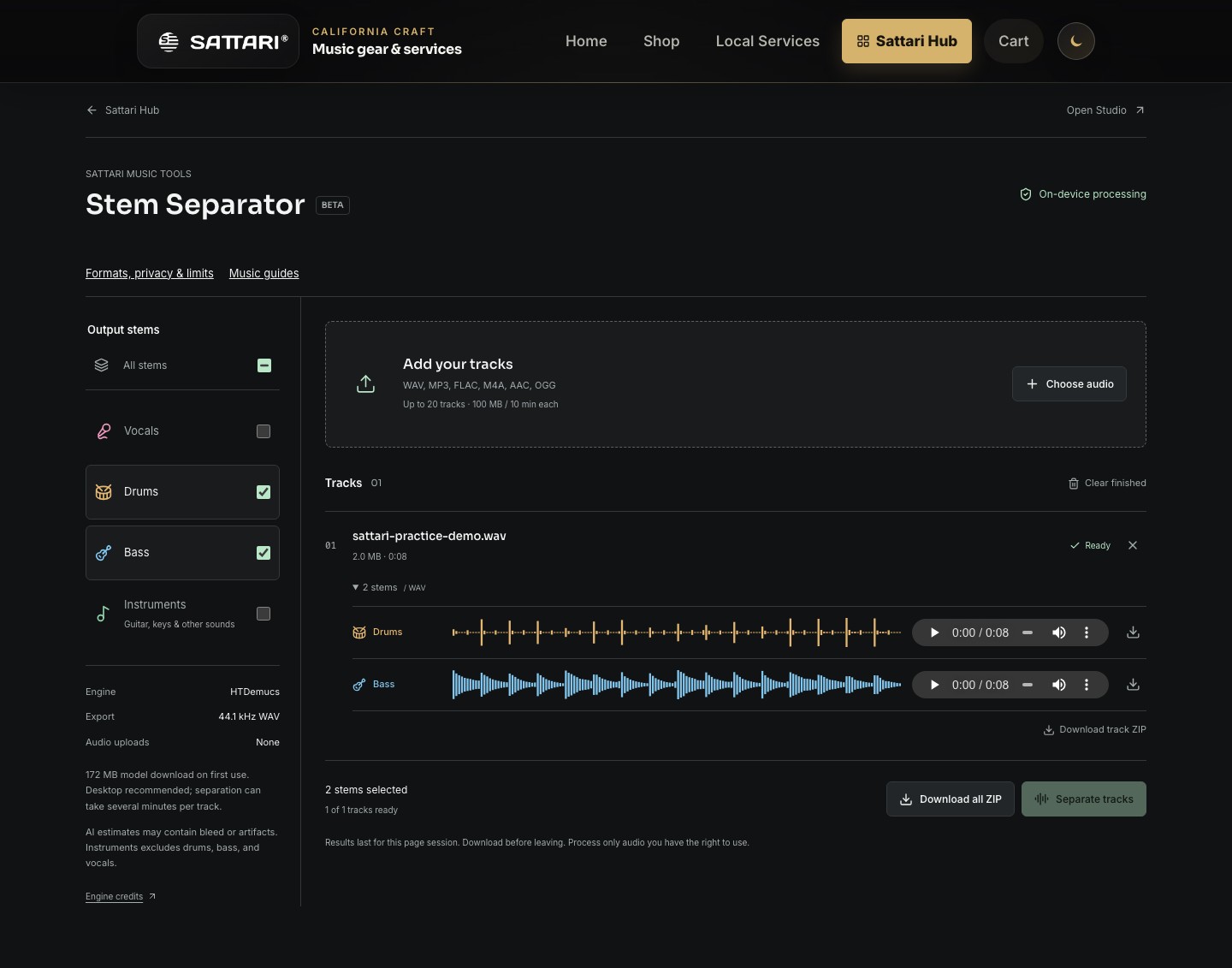
Read the full song before the individual parts
The full mix gives the analyzer more harmonic and rhythmic context than a sparse vocal or bass line. Begin with its estimated key and BPM, then compare the selected stem results. A different stem estimate is not proof that the musicians are playing in different keys or at different speeds.
Sattari AutoKey scans the full audio for an overall key; it does not map key changes. Tempo analysis samples up to three 20-second windows, so tempo changes can fall outside those windows. The report cannot map every section or replace careful listening.
Key is a suggestion, not a verdict
A key estimate summarizes the tonal pattern the analyzer hears. Relative major and minor keys share the same pitch collection, so a result can favor one even when the other feels like home. Repeated notes, unusual tunings and separation artifacts can also affect the estimate.
Prominent notes are pitch classes, not a melody, a bass transcription or a list of chords in time. Try the suggested home note on your instrument and compare it with the ends of phrases. If the result disagrees with the recording, trust a listening check over a confident-looking label.
Drum stems are not assigned a musical key. Weak or unsuitable tonal material can be shown as undetermined instead of receiving a useful key estimate.
BPM versus detected pulse
BPM means beats per minute. The analyzer looks for a repeating pulse, which may correspond to the beat, half the beat rate or twice it. For example, a pattern that feels like 80 BPM may generate an estimate around 160 BPM.
Count steady beats along with the original, then check which interpretation matches the phrasing. A vocal line with long gaps is a weak tempo reference; the drum stem often supplies clearer rhythmic information. Estimates do not create a beat grid or guarantee that a song stays at one tempo.
Keep an analysis report with your stems
- Run separation and inspect the original-song summary and each selected stem. Read the evidence labels as well as the key and tempo numbers.
- Open the analysis details to review duration, working sample rate, channels, sample peak and RMS levels. Those audio levels are measured across the audio, unlike the sampled musical analysis.
- Download the JSON analysis report for a machine-readable record. The stem ZIP includes the report too. Save your outputs before closing or leaving the separator.
- Use the findings to pick a practice starting point in Learn or organize a Studio session. Verify the musical choices by ear before building an arrangement around them.